Device integrations
Alpitronic HYC DC charger
Supported devices: HYC50, HYC150, HYC200, HYC300, HYC400 and HYC1000
Our EMS controls Alpitronic HYC DC fast chargers over Modbus.
Supported devices
| Model | Description |
|---|---|
| HYC 50 | DC fast charger |
| HYC 150 | DC fast charger |
| HYC 200 | DC fast charger |
| HYC 300 | DC fast charger |
| HYC 400 | DC fast charger |
| HYC 1000 | DC fast charger |
Setup
This manual assumes the charger has already been physically installed and commissioned. After these steps, the charger is ready for connection to our EMS.
Log in
-
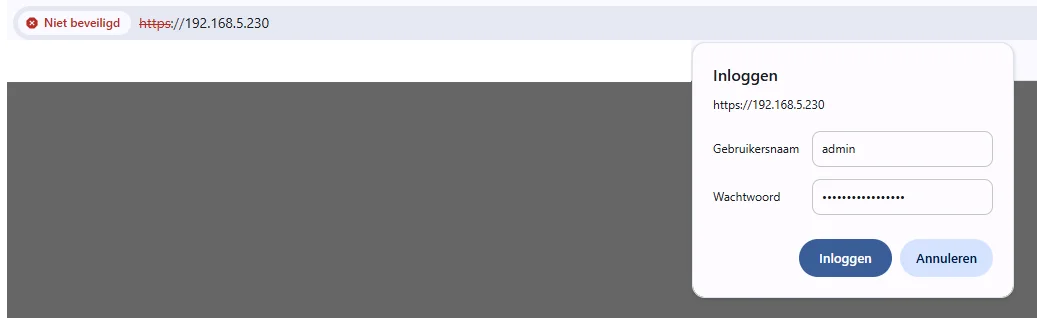
Navigate to the charger’s IP address in your web browser.
-
Log in using the default credentials or the previously configured password.
(default user = admin, default password = admin123).
-
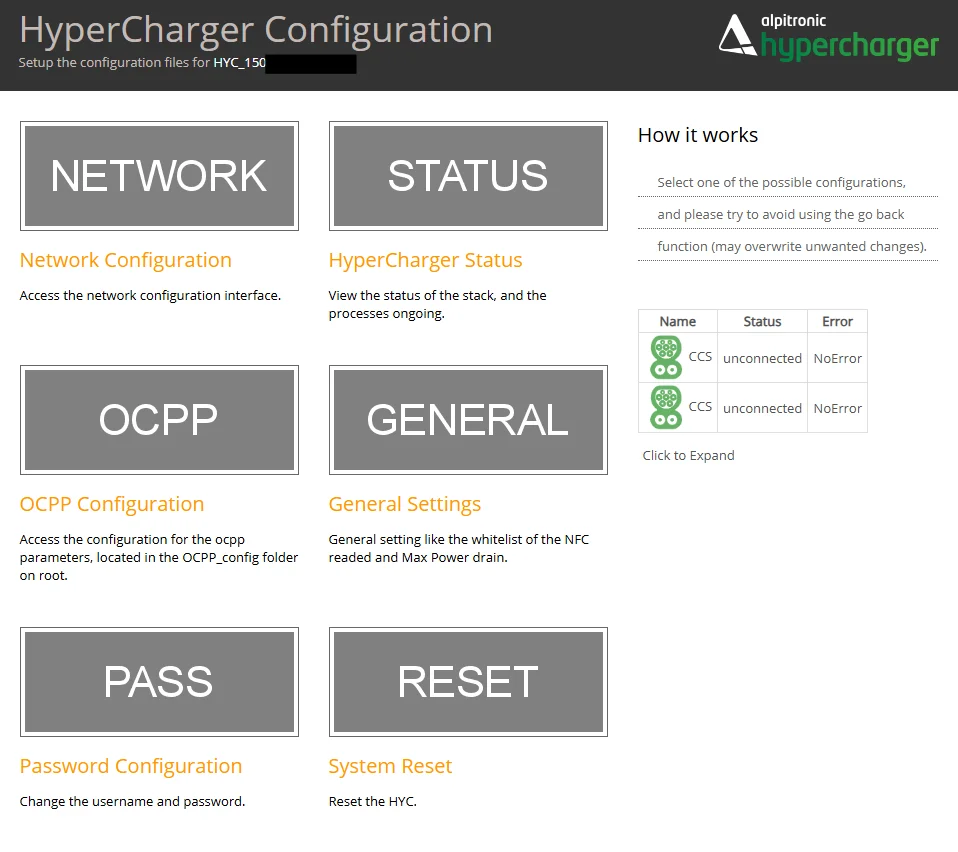
Once logged in, the main dashboard appears.
-
Check network settings
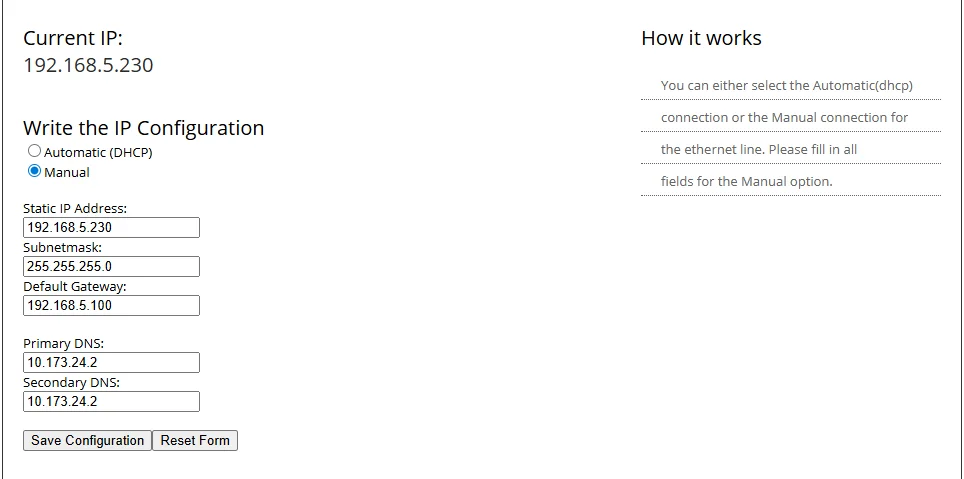
- Navigate to the Network menu.
- Verify the network details and modify the local IP address if required for the location.
- Once the details are correct, click Save Configuration and confirm your changes.
Activate Modbus
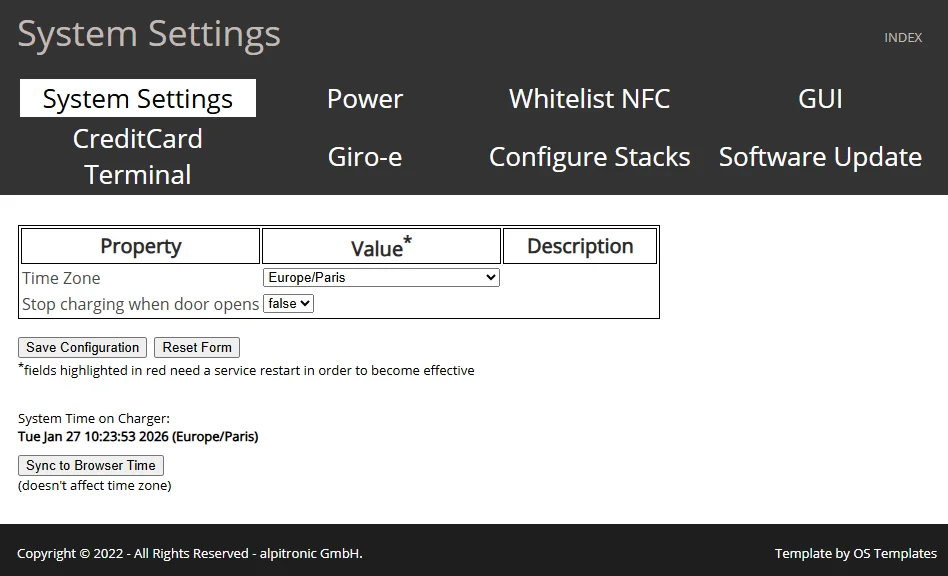
- Go to the General menu and select the Power tab.
- Locate Modbus Enabled and set it to True.
- Click Save Configuration to store this setting.
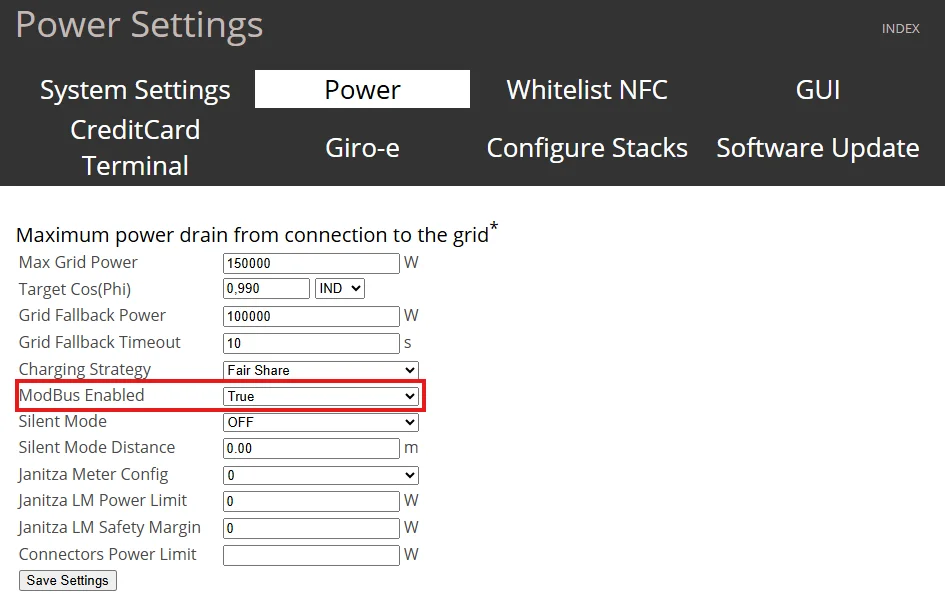
Activate the changes by Resetting the charging station
- Return to the main screen by clicking Index.
- Check that no cars are connected to the charging station
- Navigate to Reset and select Soft Reset.
Note: Performing a soft reset ensures all changes are permanently saved and applied.
