Voltmasters Platform
Navigating the platform
Find your way around the Voltmasters platform: logging in, two-factor authentication and the main navigation bar.
The platform opens on the project list, and everything else hangs off the navigation bar on the left.
Logging in
Open the platform
Go to platform.voltmasters.be.
Sign in
Enter your email address and password and click Log in.
Enter your verification code
If two-factor authentication is enabled on your account, enter the six-digit code from your authenticator app.
Open your project list
You land in Projects. If you have one project, it opens directly.
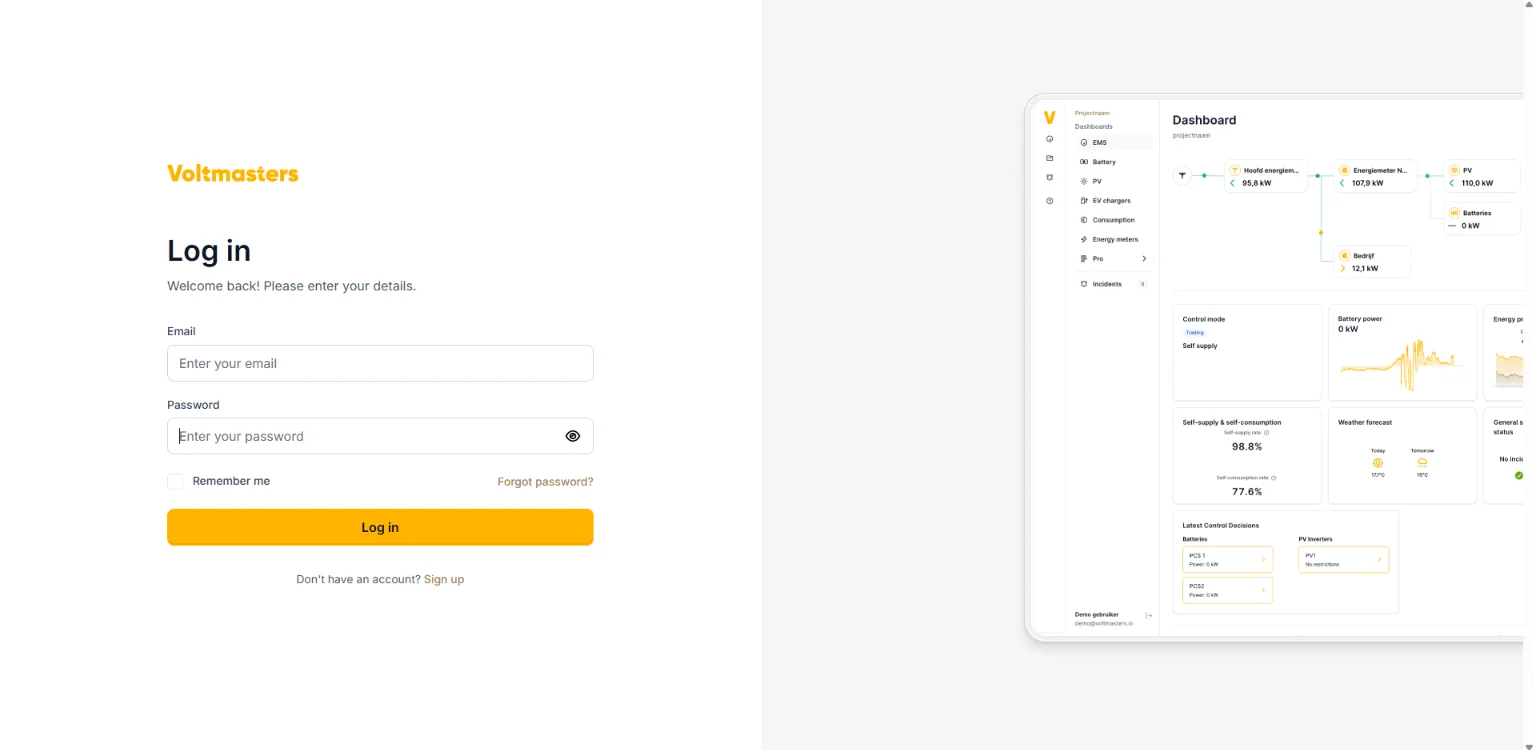
Forgot your password, or setting up two-factor authentication? See Account registration and login.
Main navigation
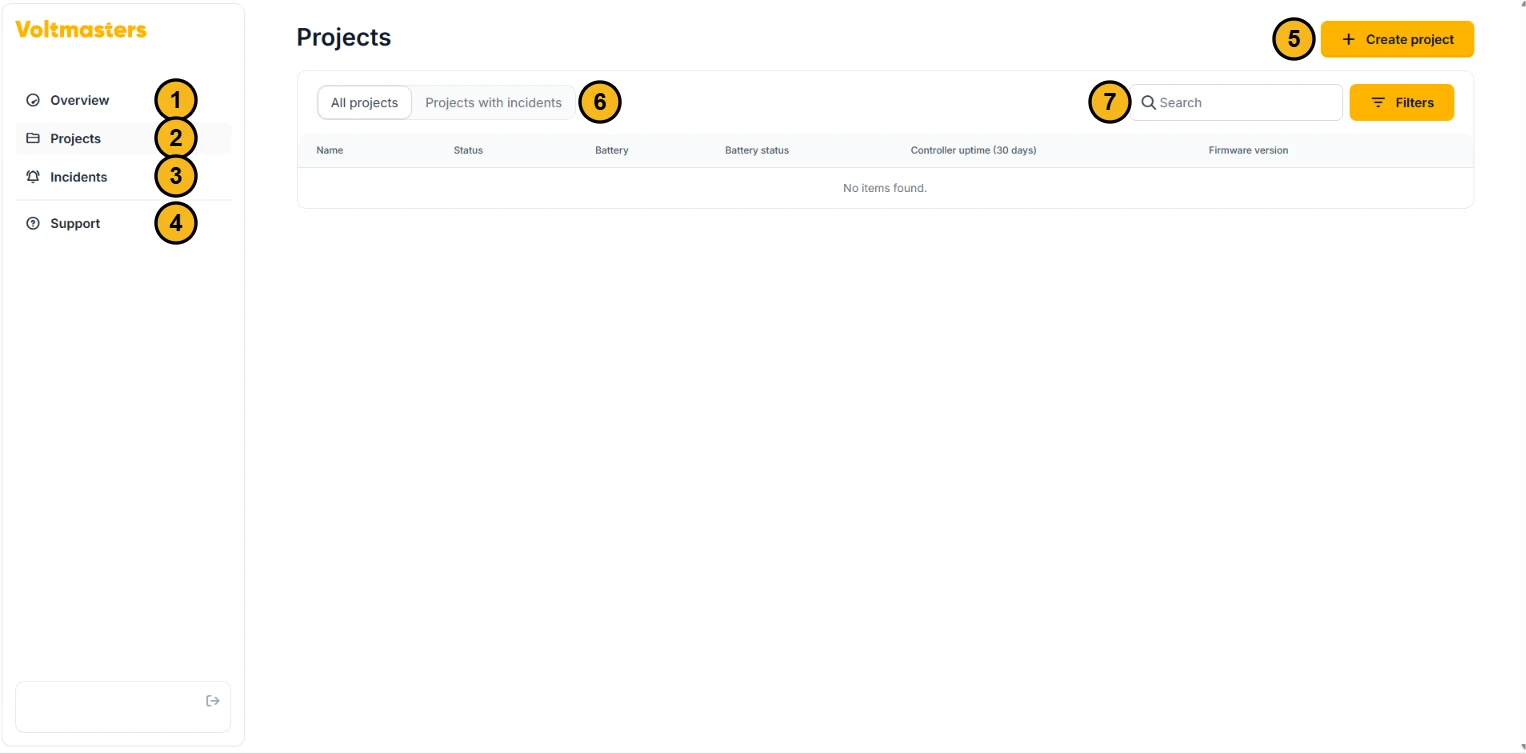
- Overview: an aggregated overview of all your projects, with the total consumption, injection and production, and how many sites are healthy or in error.
- Projects: the projects you are authorised to see, with per project the status, the battery, the battery status, the controller uptime over 30 days and the firmware version. Click a project to open it.
- Incidents: the open incidents across all your projects, with filters and search.
- Support: opens this documentation.
- Create project: see Adding a new project.
- All projects or Projects with incidents: show the whole list or only the projects with an open incident.
- Search and Filters: find a project by name or filter the list.
Use the dropdown in the top-left corner of the sidebar to switch between projects. Once you open a project, the project menu appears with the dashboards of that project.