Device integrations
Siemens PAC
The Siemens PAC2200 in the Voltmasters EMS: setting up Modbus TCP, a fixed IP address and the CT ratio on the display.
Our EMS reads the Siemens PAC2200 over Modbus TCP. You configure the meter on its display.
Supported devices
| Model | Description |
|---|---|
| PAC2200 | Three-phase energy meter |
Setup
Access the menu
To change the settings, navigate using the meter's display.
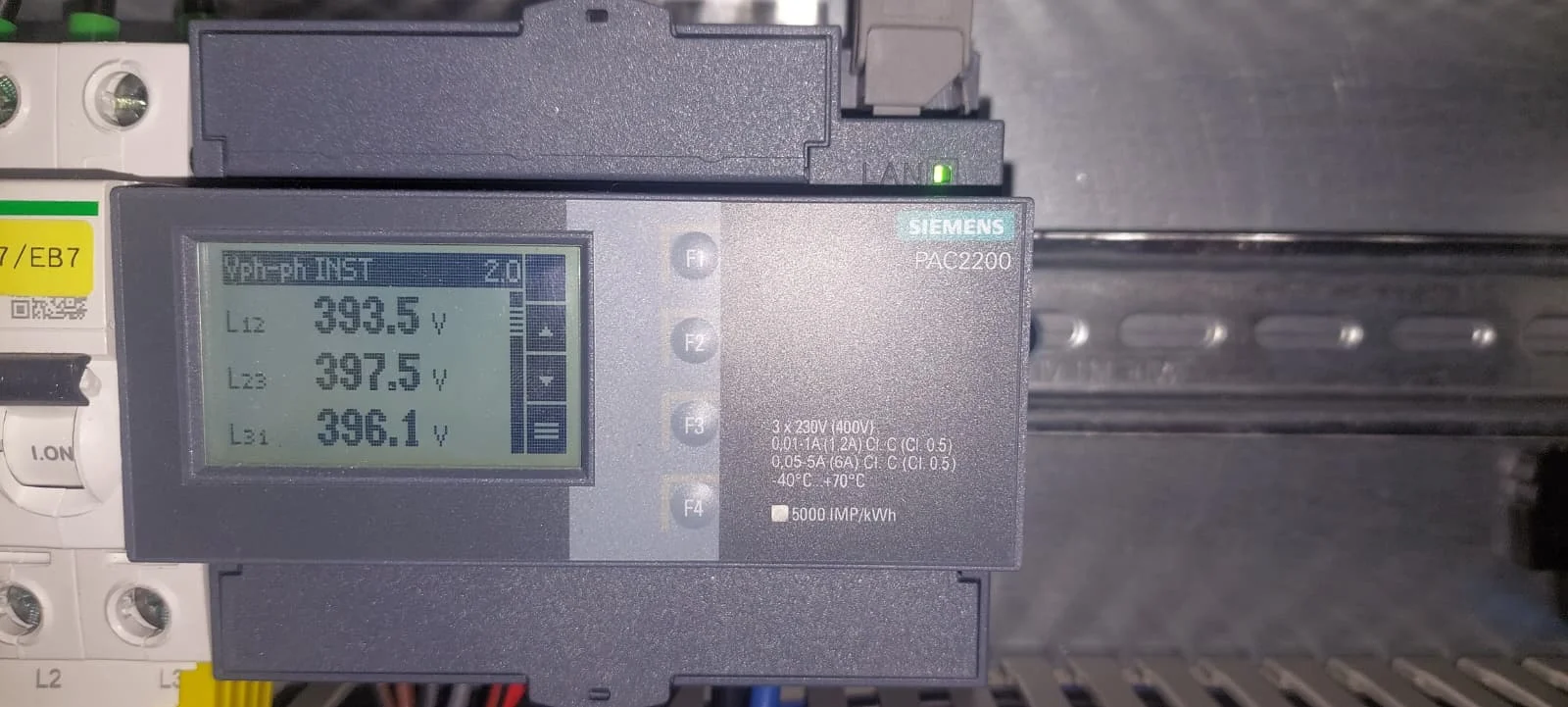
- Press the bottom button (F4) to open the main menu.
- Navigate to Settings.
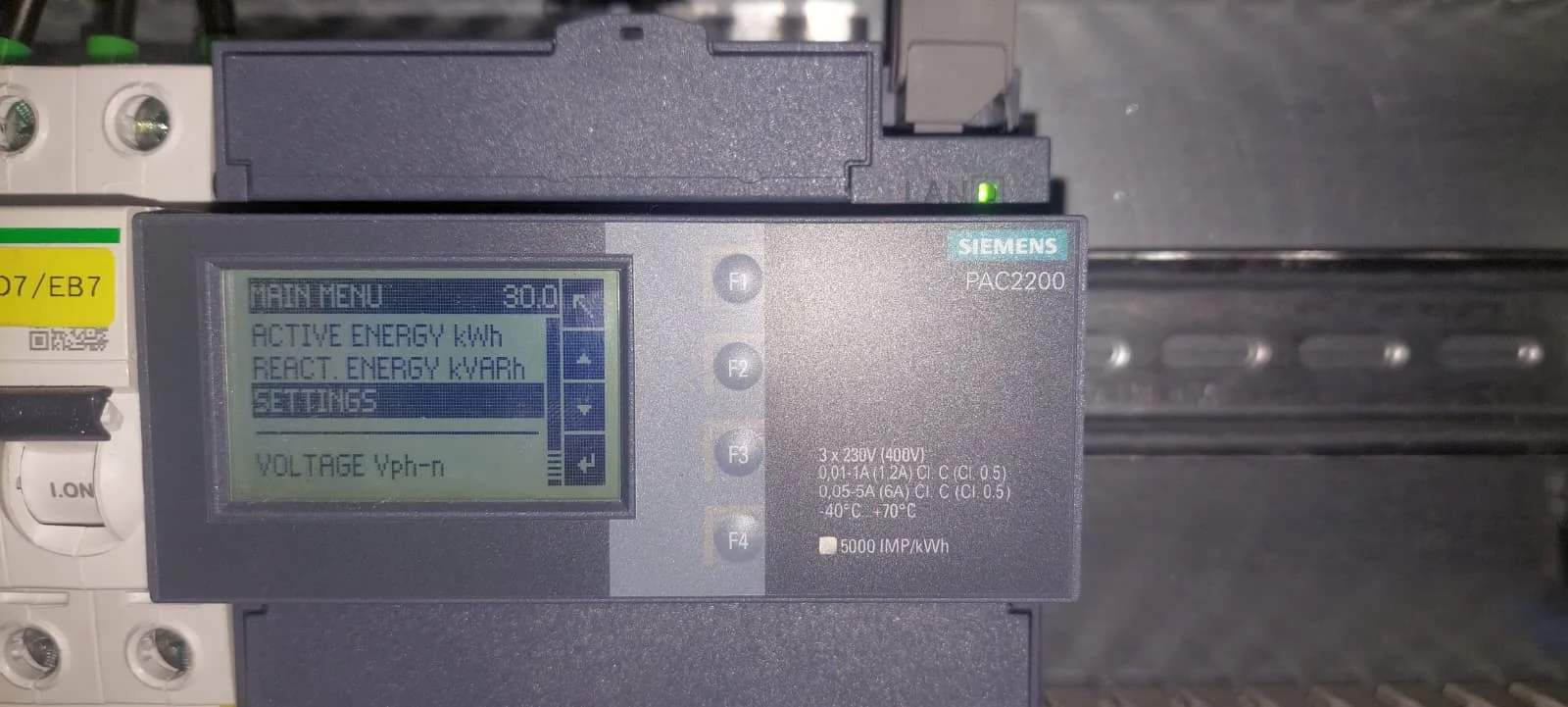
Configure network and communication
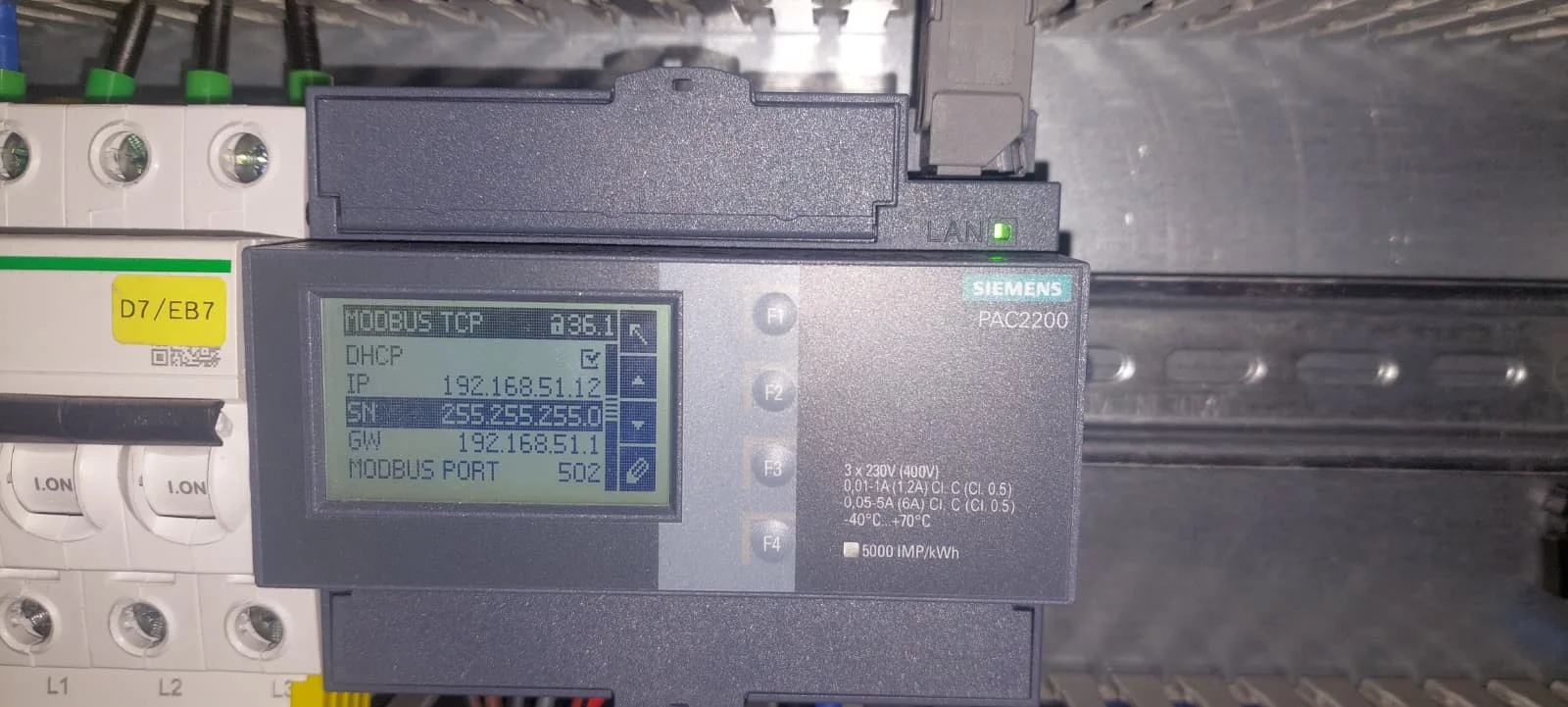
Use a stable network connection. A static IP address is recommended.
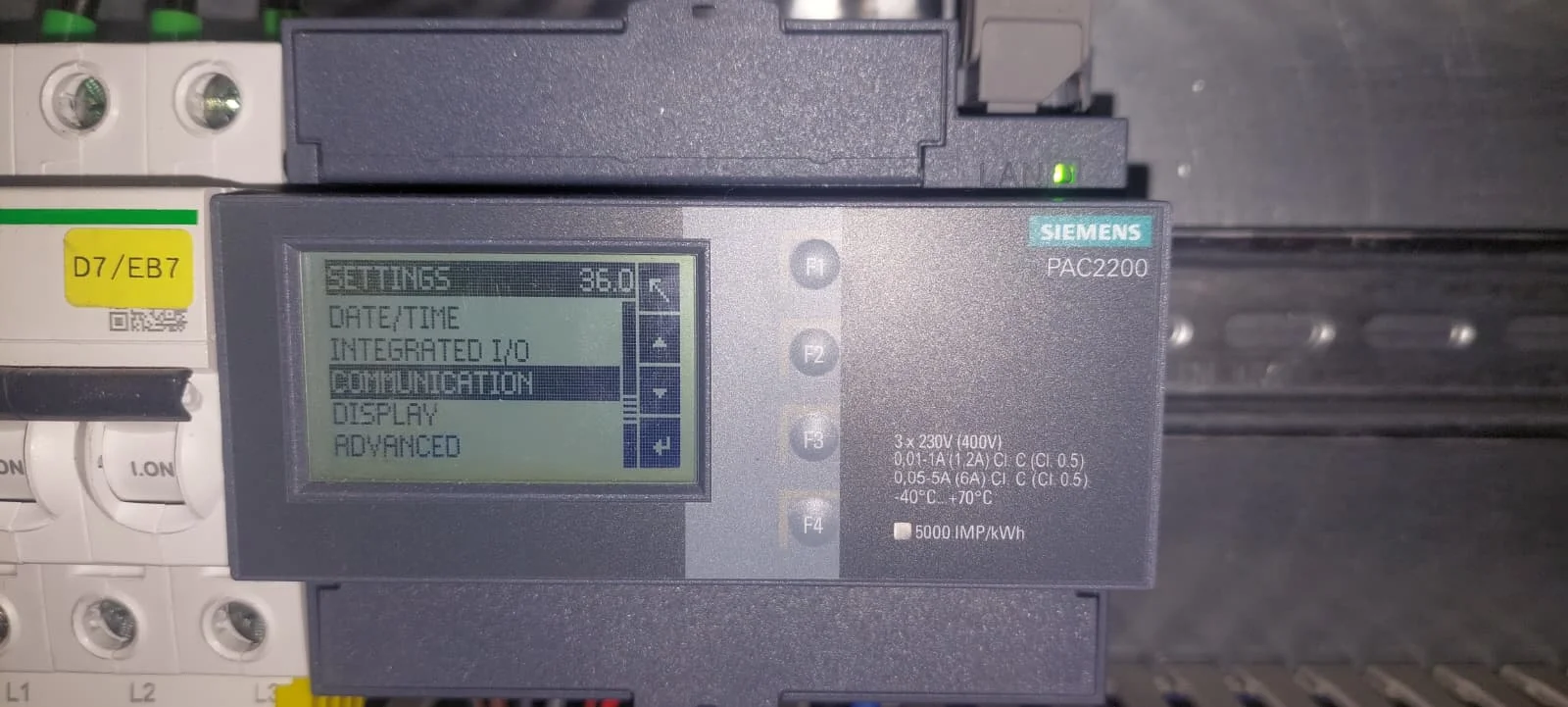
In the Settings menu, go to Communication.
- Select Modbus TCP.
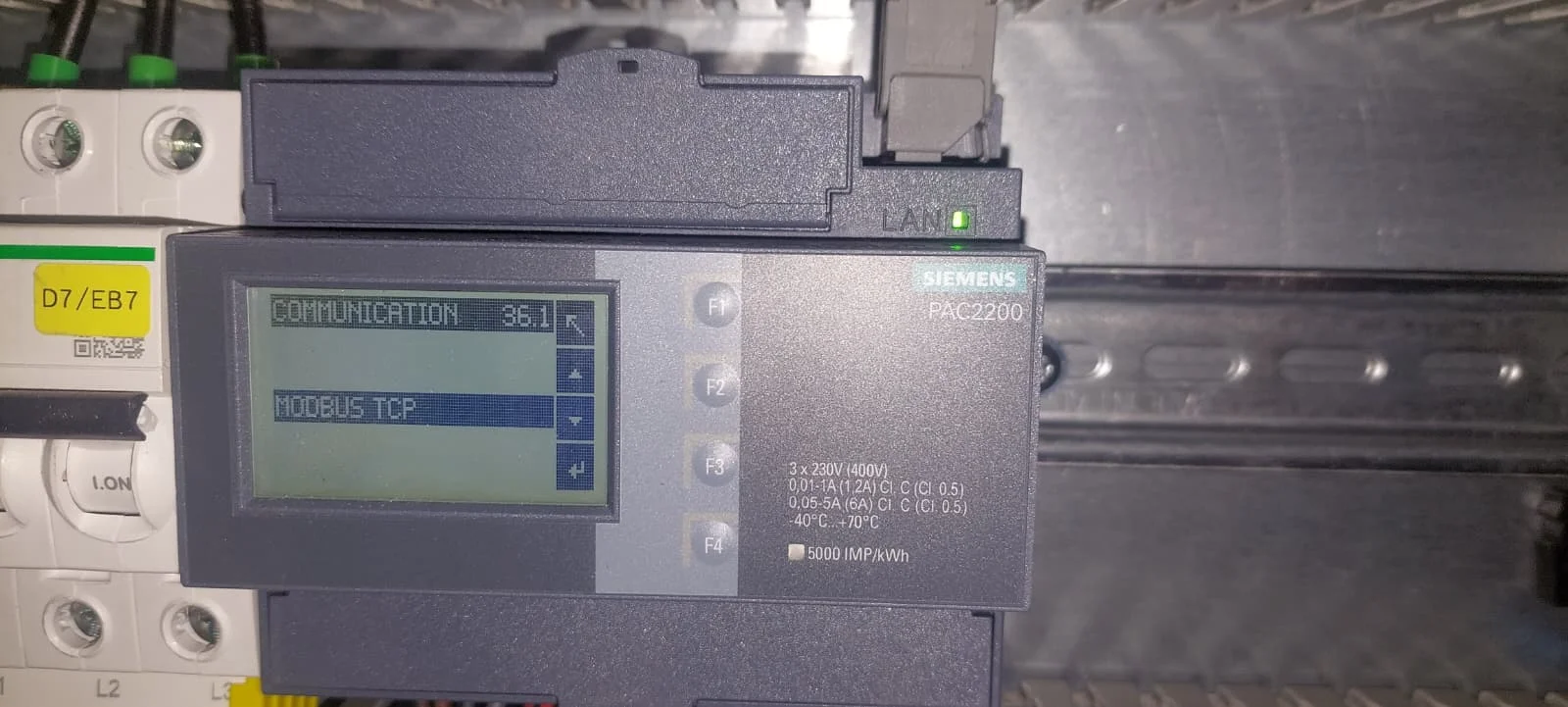
- Choose Network Settings.
- IP Configuration:
- Disable DHCP: Turn off DHCP to prevent the IP address from changing after a reboot (which would break the connection).
- IP Address: Enter a unique, free IP address.
- Subnet: Enter the correct subnet mask.
- Gateway: Enter the correct gateway.
Set current transformers
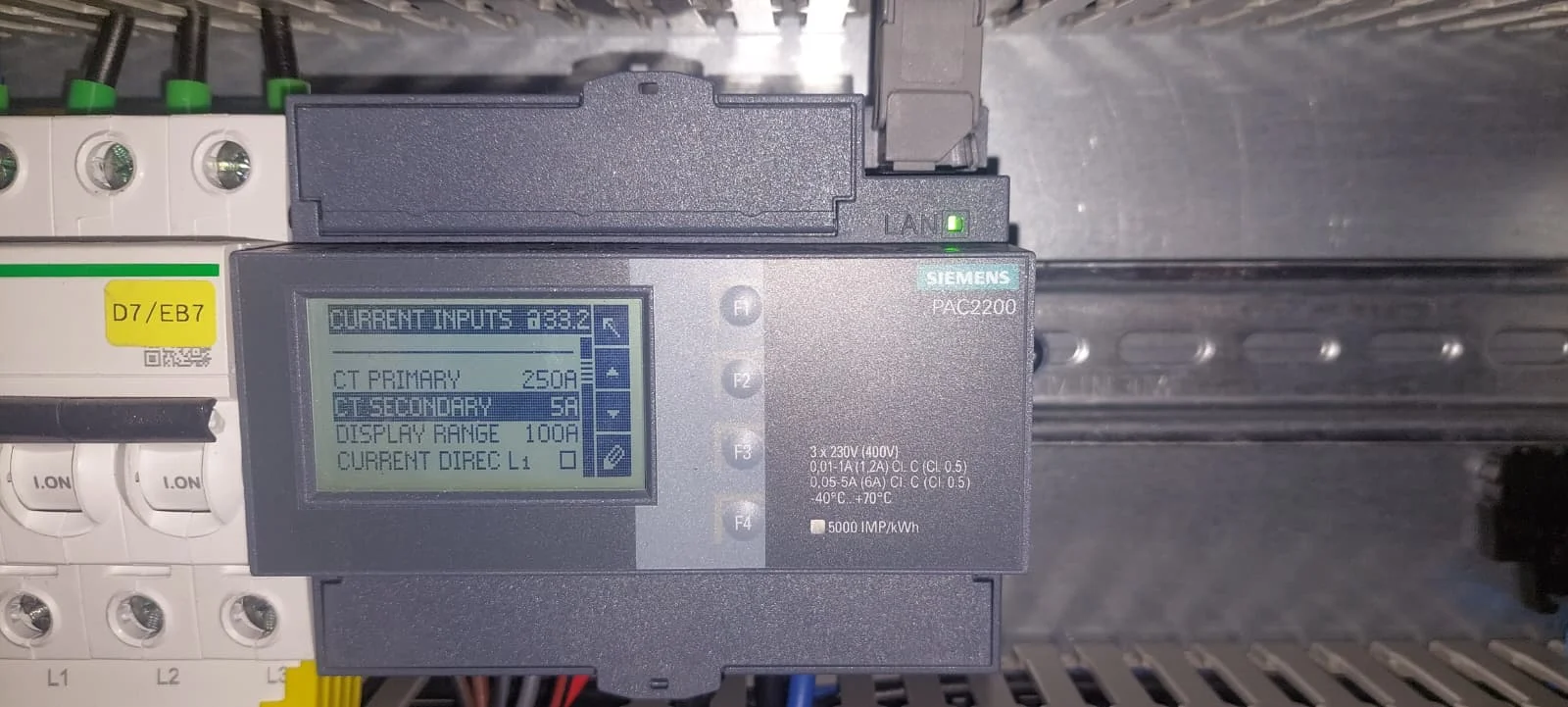
Configure the correct CT ratio. This is essential for accurate measurements and correct control.
- Return to the Settings menu.
- Select Basic Parameters.
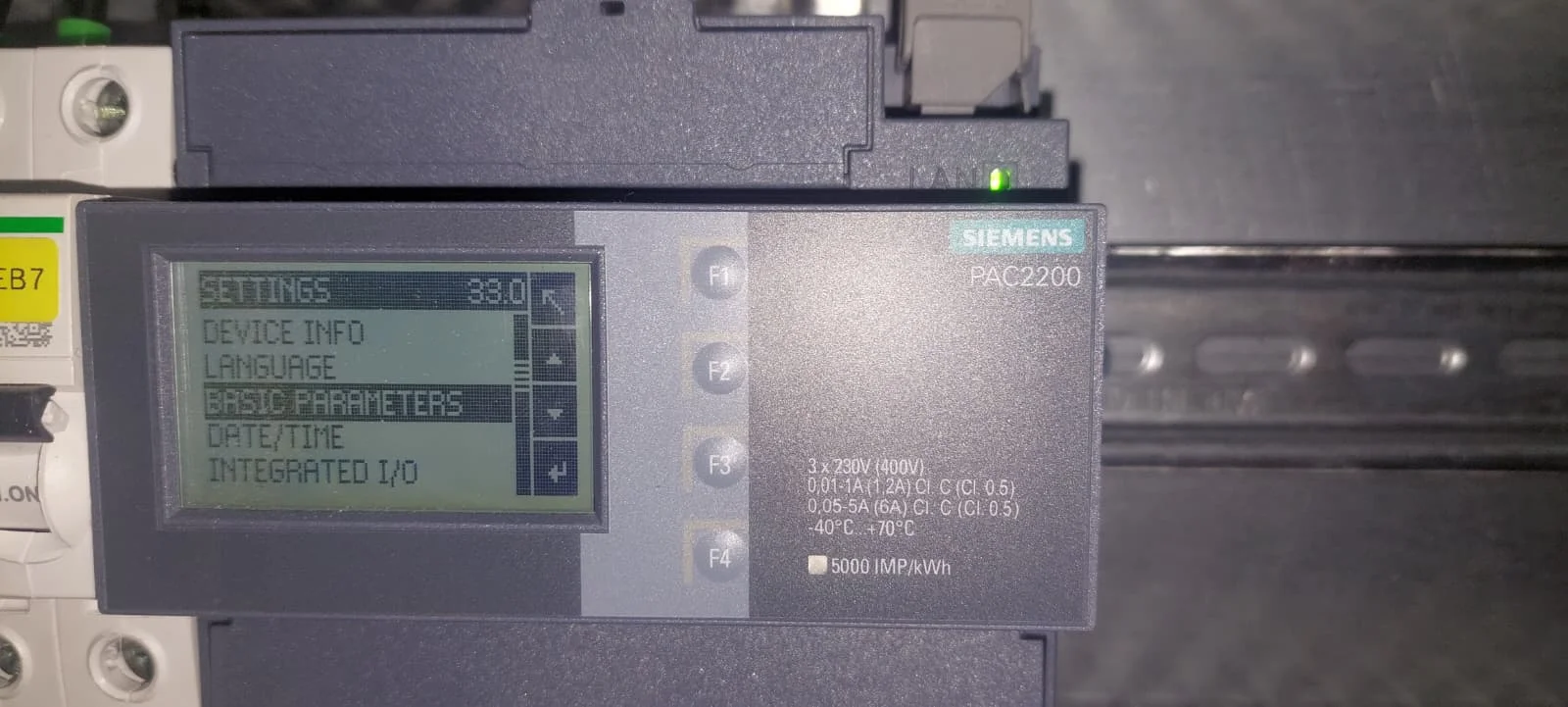
- Choose Current Inputs.
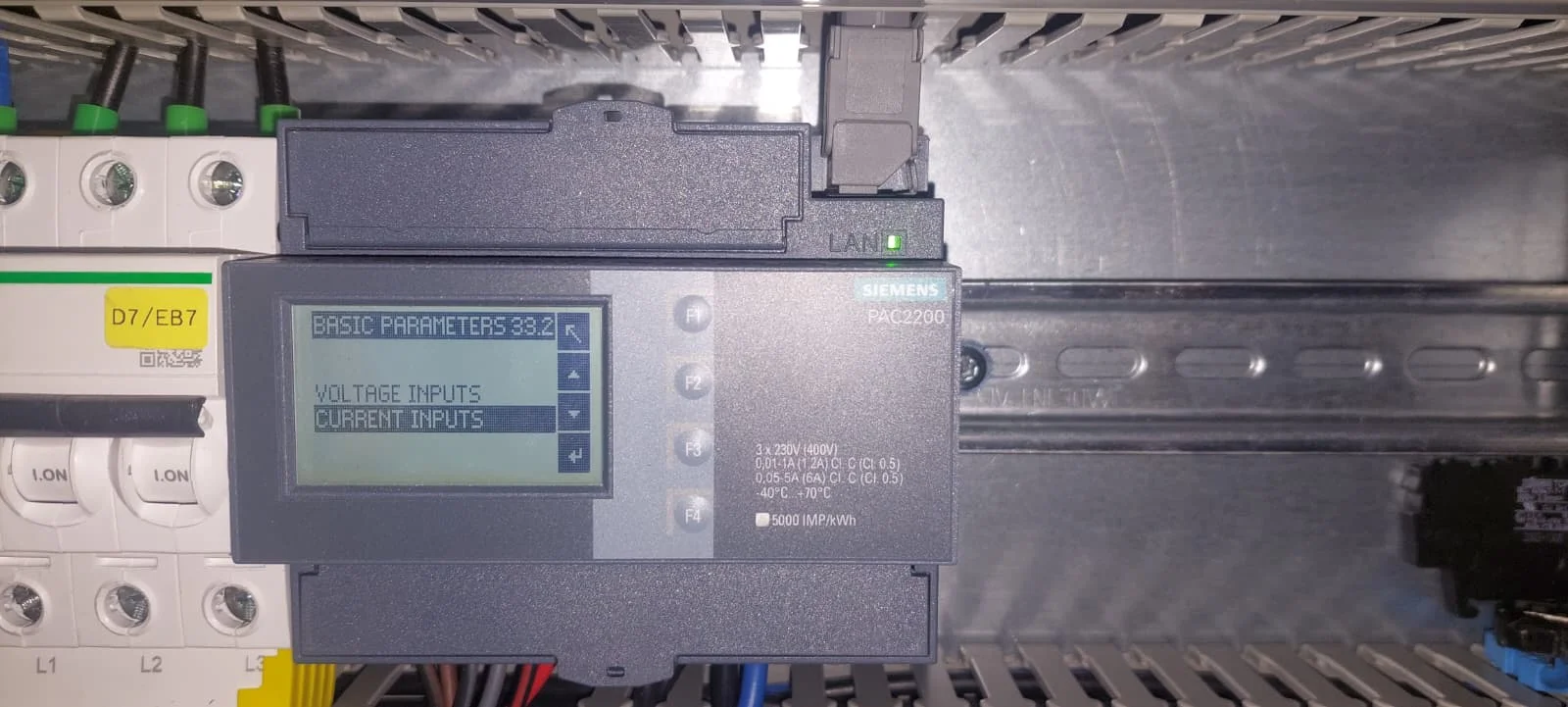
-
Configure Values:
- Set the CT Primary and CT Secondary values.
- These values must match the specifications found on the physical current transformers (e.g., 250A primary / 5A secondary).
Incorrect values will lead to wrong measurements, causing the energy management system to malfunction.
Complete the setup
Once the network data is saved and the CT ratios have been verified, the Siemens PAC 2200 is ready to be integrated into the EMS system.