Getting started
EMS controller installation
Install the Voltmasters EMS controller on a DIN rail: the 24V power wiring per wire colour, the ground and the network connection.
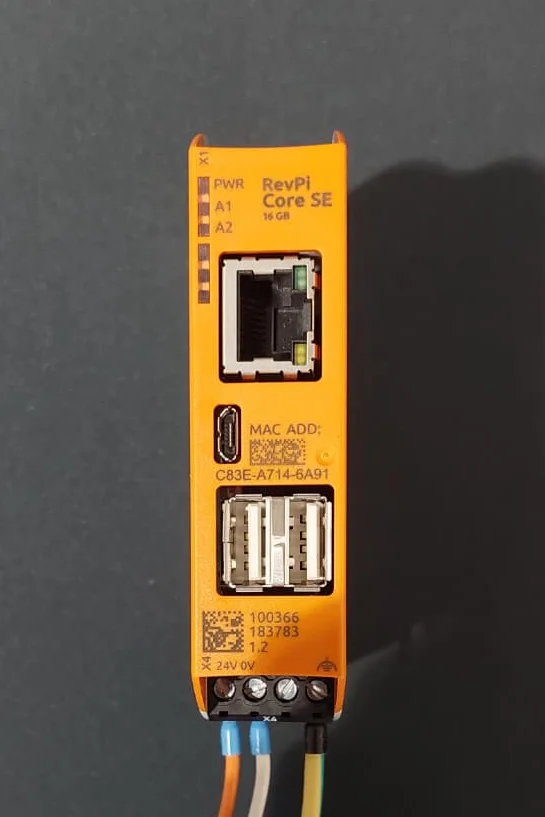
Connecting the controller
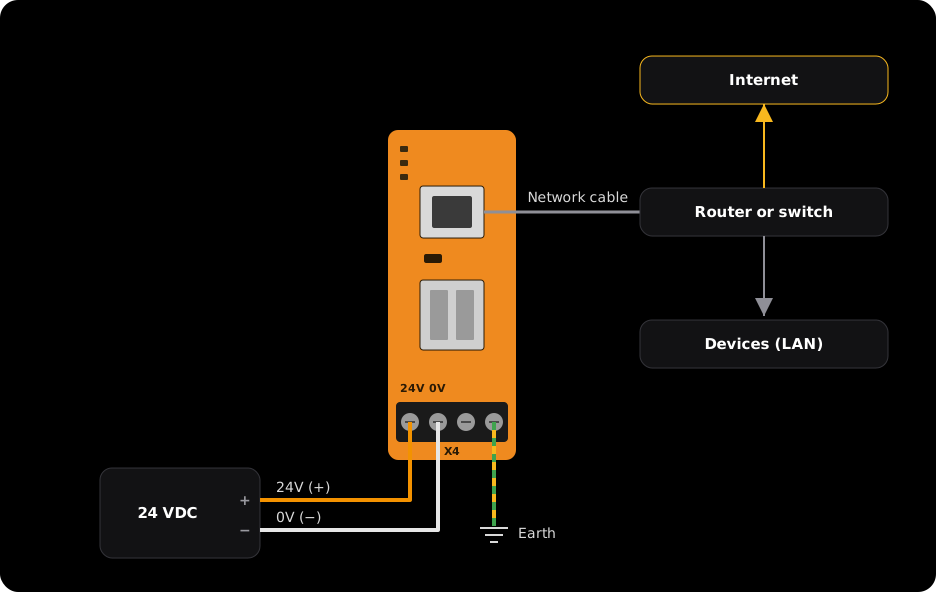
Mount the controller on the DIN rail
Clip the controller onto a DIN rail in the cabinet.
Connect power and earth
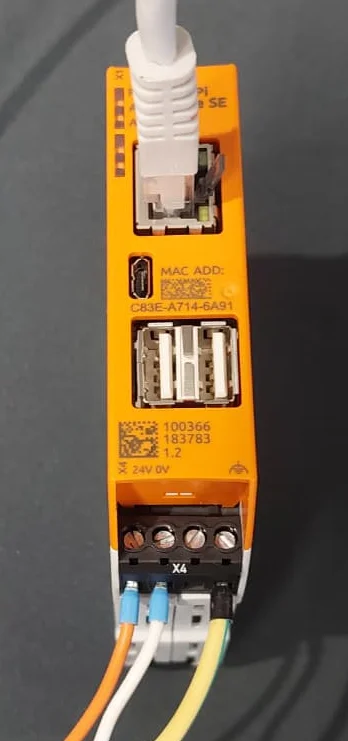
Connect the wires to terminal X4 at the bottom: orange to 24V (+), white to 0V (−) and green-yellow to the earth on the right.
Plug in the network cable
Plug the network cable into the network port at the top.
Note the Controller ID
The Controller ID is printed on the label of the controller. You enter it when you create the project: see Adding a new project.
The controller needs two connections:
- Internet, for the connection with the Voltmasters platform.
- The same local network as all devices you pair.
Which ports and domains must be reachable is explained in Internet and network.
To follow the controller on site or to set its network without the platform, open its local interface from a laptop.