Device integrations
Growatt
Growatt inverters in the Voltmasters EMS: the 40KTL3-X, the 60KTL3 LV, the ShineMaster data logger and the grid-tied MIC to MAX series (beta).
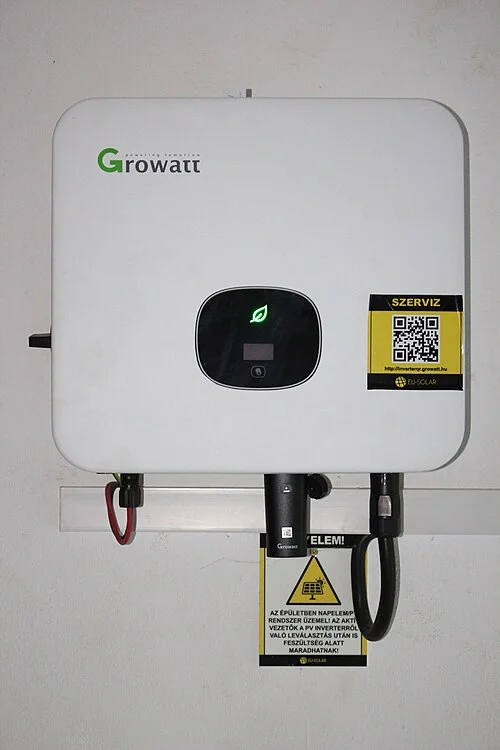
Our EMS monitors and curtails Growatt PV inverters, directly or through a ShineMaster data logger.
Supported devices
| Model | Role |
|---|---|
| 40KTL3-X | Three-phase string inverter |
| 60KTL3 LV | Three-phase low-voltage string inverter |
| ShineMaster | Data logger that aggregates the inverters |
The grid-tied series below (without storage) are also supported through the generic Growatt integration, which reads the inverter and scales curtailment to its own rated power. Choose the family your model belongs to.
| Series | Power range | Type |
|---|---|---|
| MIC TL-X | 0.6 to 3.3 kW | single-phase string inverter |
| MIN TL-X / KTL-X | 2.5 to 10 kW | single-phase and three-phase string inverter |
| MOD KTL3-X | 3 to 33 kW | three-phase string inverter |
| MID KTL3-X | 11 to 50 kW | three-phase string inverter |
| MAC KTL3-X | 15 to 70 kW | three-phase string inverter |
| MAX KTL3 | 50 to 350 kW | three-phase commercial inverter |
These six series are currently offered as beta. They are functional and can be added to a project, but they have not been through the same field validation as the 40KTL3-X, the 60KTL3 LV and the ShineMaster. Let Voltmasters know when you commission one, so we can follow it up.
Setup
Modbus TCP: the installation has a ShineMaster data logger. Add the device with the ShineMaster adapter option in the device wizard.
RS485: make the inverter reachable over the network with an RS485 to Modbus TCP converter, such as the EP E300, and then add it.