Getting started
RS485 to Modbus TCP adapters
Use an RS485 to Modbus TCP adapter when a device only offers a serial interface, so the controller can reach it over the network.
Some devices only communicate over Modbus RTU (RS485). An RS485-to-Modbus TCP adapter converts that signal to Modbus TCP, so the controller can reach the device over the network.

Once the adapter is configured, add the device like any other Modbus TCP device: see Adding and verifying devices.
In the wizard, enter:
- IP address: the IP address of the adapter.
- Port: the Modbus TCP port of the adapter, usually
502. - Slave ID: the Modbus address of the device on the RS485 line.
- RTU over TCP (serial converter): switch this on when the adapter is a transparent converter that passes the serial frames on unchanged, rather than a Modbus gateway that converts Modbus RTU to Modbus TCP. The EMS then sends bare Modbus RTU frames over the TCP connection. Leave it off for a Modbus gateway.
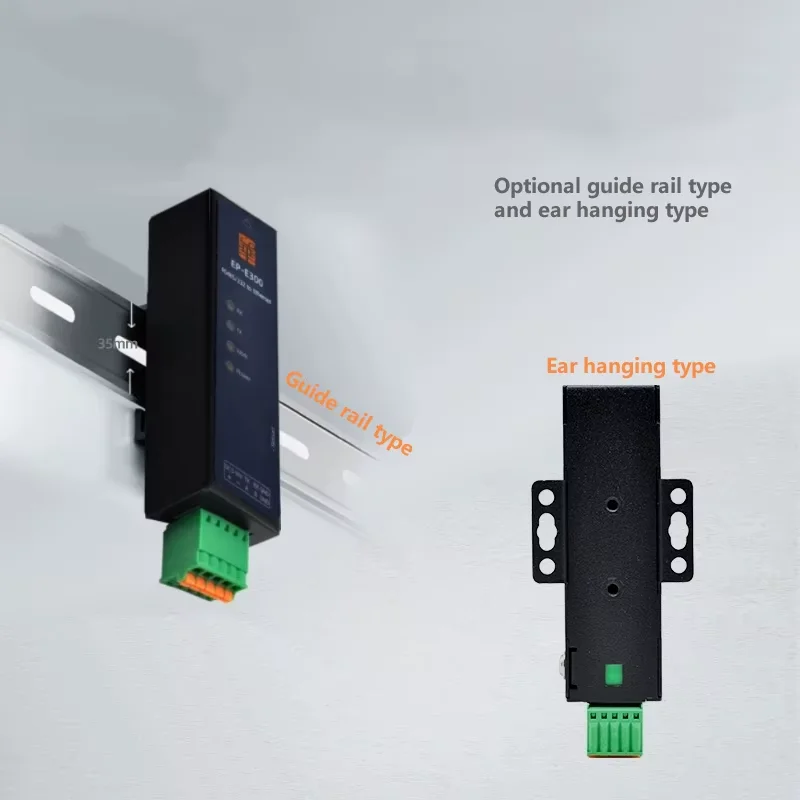
EP E300
What you need:
- EP E300 converter (e.g. RS485 TO ETH)
- 24V power supply
- UTP (Ethernet) cable
- RS485 cabling (twisted pair)
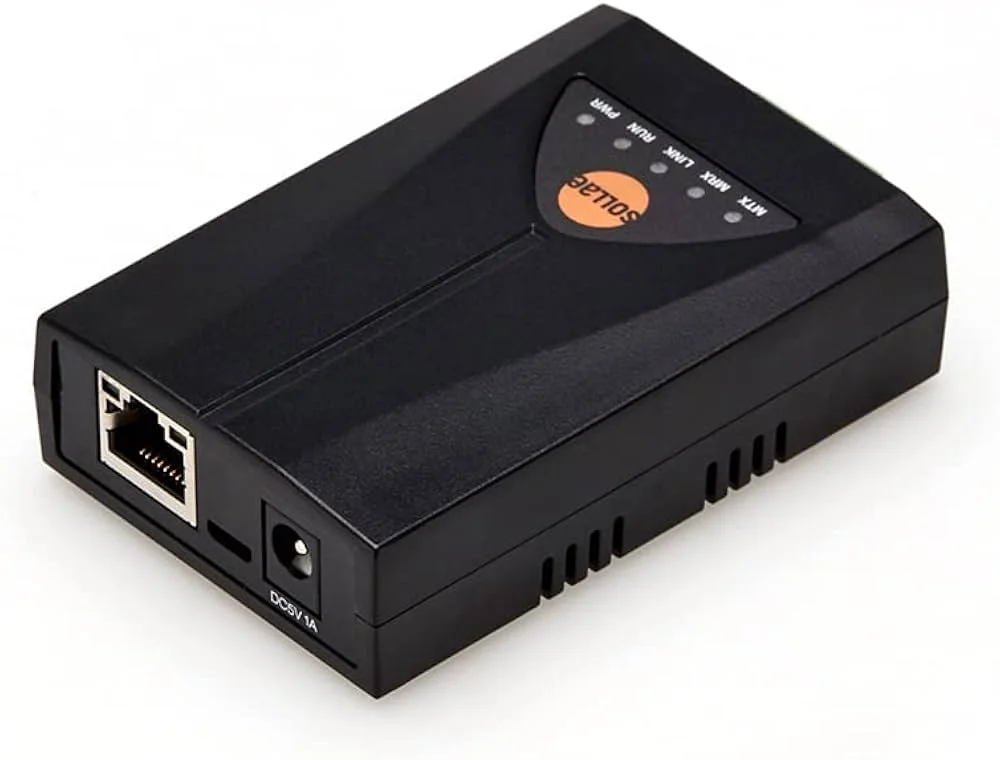
Sollae
What you need:
- Sollae converter (e.g. RS485 TO ETH (B))
- 5V power supply (if needed)
- UTP (Ethernet) cable
- RS485 cabling (twisted pair)
- Spfinder (software)
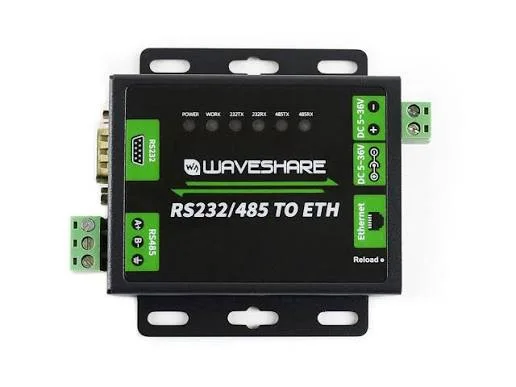
Waveshare
What you need:
- Waveshare converter (e.g. RS485 TO ETH (B))
- 24V/12V power supply (if needed)
- UTP (Ethernet) cable
- RS485 cabling (twisted pair)