Device integrations
ABB
ABB (Fimer) inverters in the Voltmasters EMS: the PVS 50 and the TRIO-50.0 (beta) over Modbus TCP with SunSpec, and how to enable Modbus.
Our EMS monitors and curtails ABB (Fimer) PV inverters over Modbus TCP with the SunSpec protocol.
Supported devices
| Model | Note |
|---|---|
| PVS 50 | Three-phase string inverter |
| TRIO-50.0-TL-OUTD (beta) | Three-phase string inverter, through the generic SunSpec adapter |
| TRIO-50.0-TL-OUTD-US-480 (beta) | Three-phase string inverter, through the generic SunSpec adapter |
All Fimer ABB inverters from after 2022 support SunSpec. For older models, check the datasheet, although most older models support it too. When SunSpec is supported, use it.
Setup
Connect the inverter to the network
Make sure the inverter is on the same network as the Voltmasters Controller.
Log in to the web interface
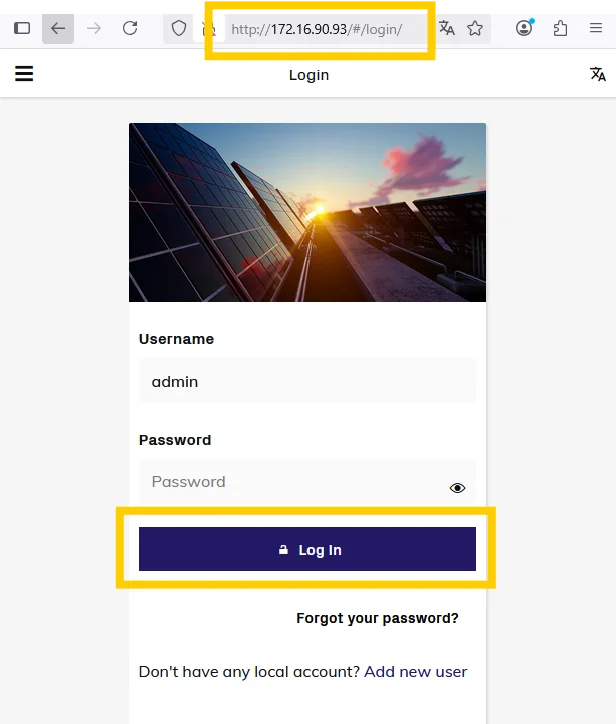
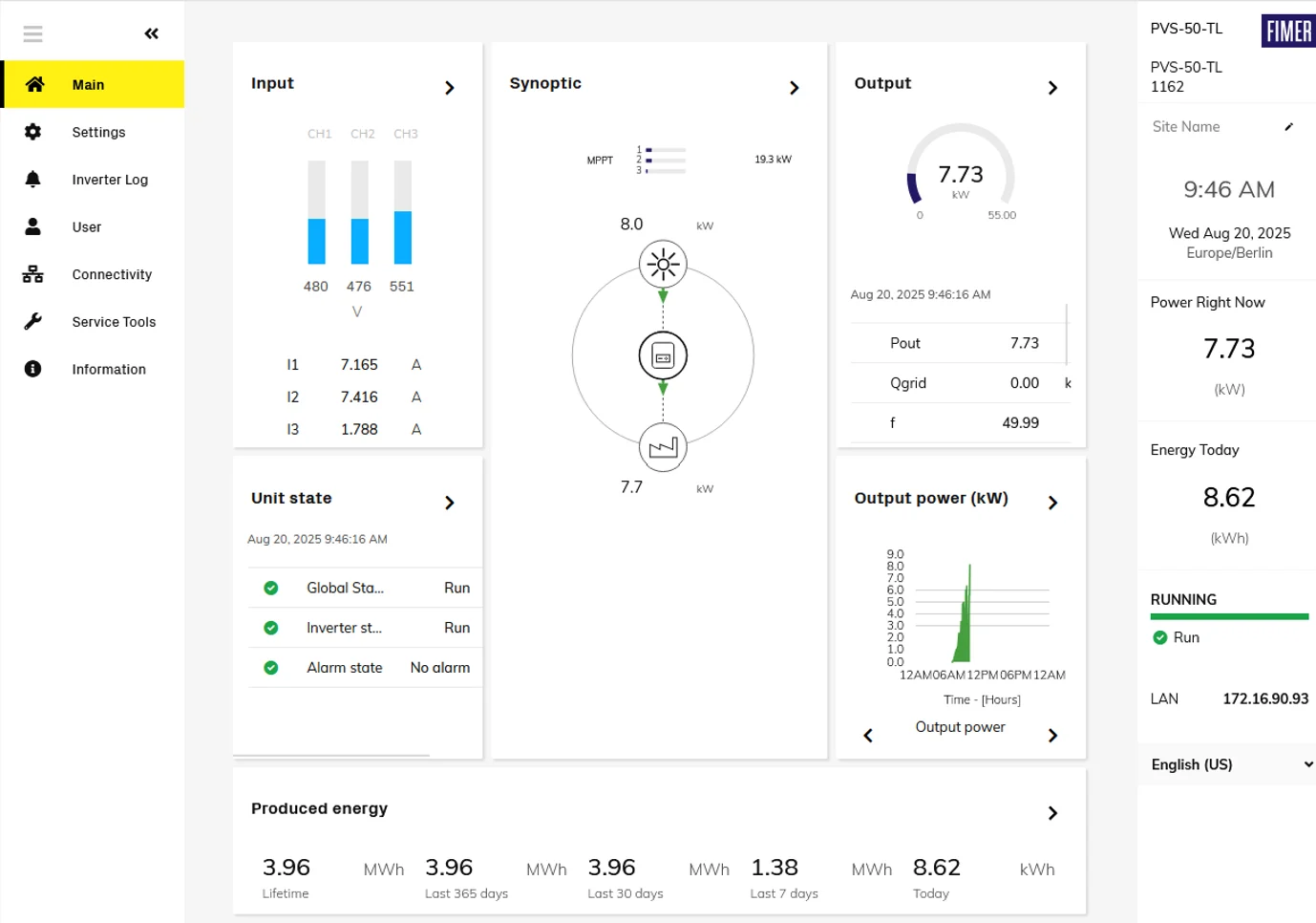
Open the IP address of the inverter in a browser and log in with a user that has admin rights. Without those rights some communication settings are not available.
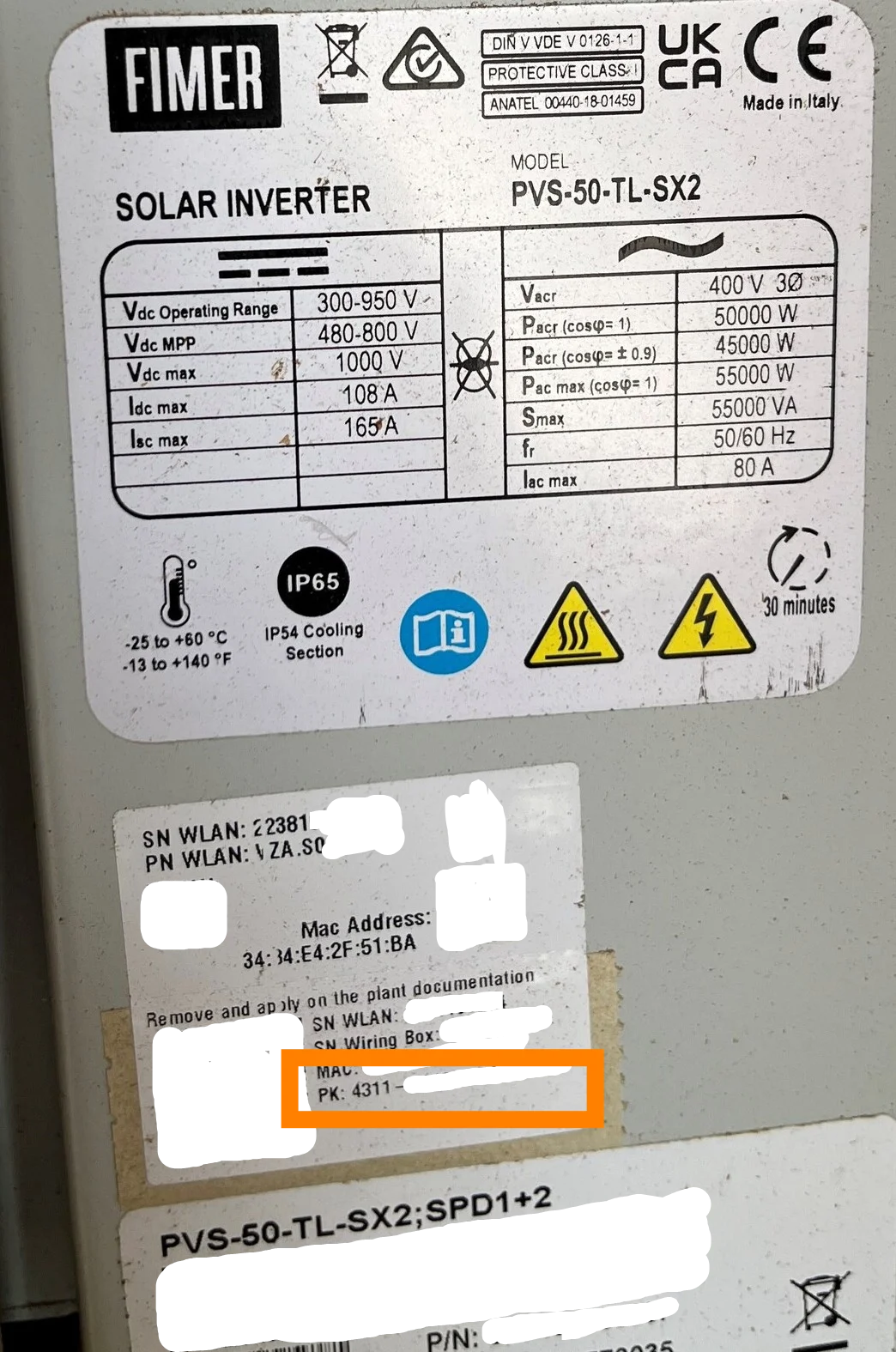
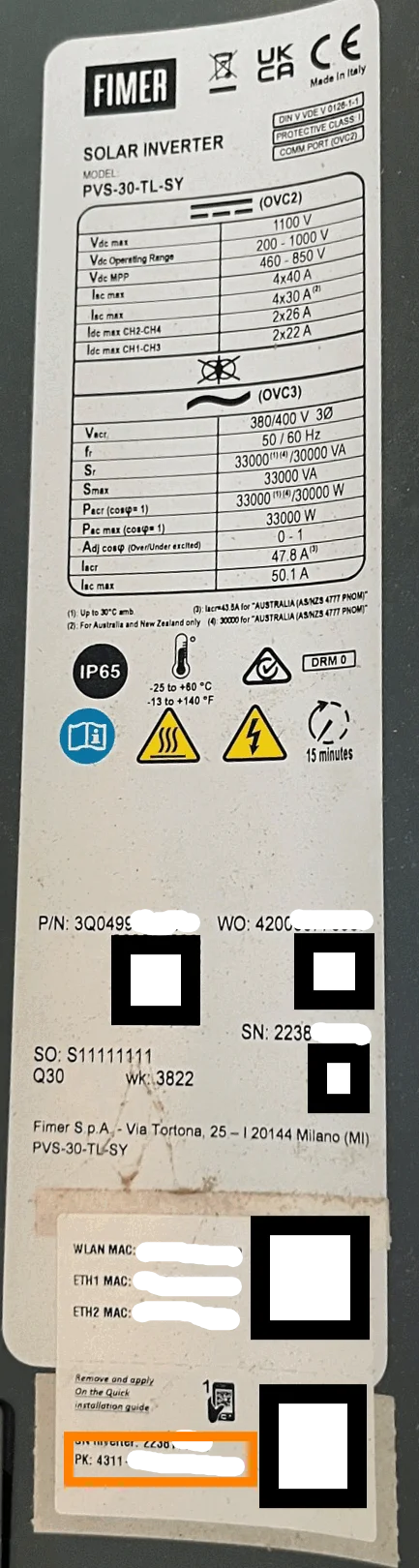
I forgot the username or password for my admin account
Set Modbus to SunSpec
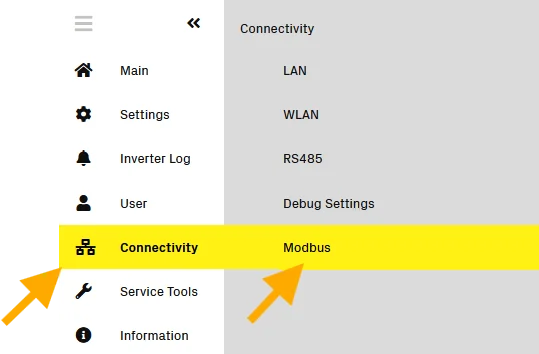
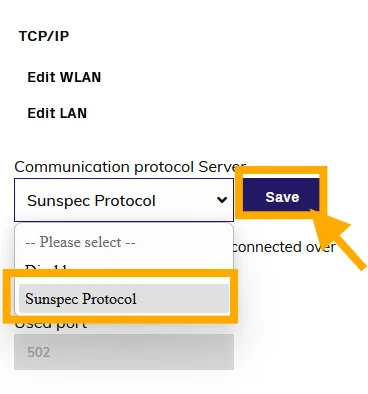
In the menu on the left, go to Modbus and set Communication protocol server to Sunspec.
Add the inverter in Voltmasters
Add the inverter with the same IP address.