Voltmasters Platform
Logging in
Log in to platform.voltmasters.be, including password resets and the six-digit code when two-factor authentication is enabled.
Open the platform
Go to platform.voltmasters.be.
Sign in
Enter your credentials on the login page and select Log in.
Forgot your password? Click Forgot password? below the password field to receive a reset link by email. See Changing or resetting your password.
Enter your verification code
If two-factor authentication is enabled on your account, enter the six-digit code from your authenticator app.
Open your project list
After successful authentication, you are redirected to the Projects section.
If you have multiple projects, they are listed here. If you have one project, it opens directly.
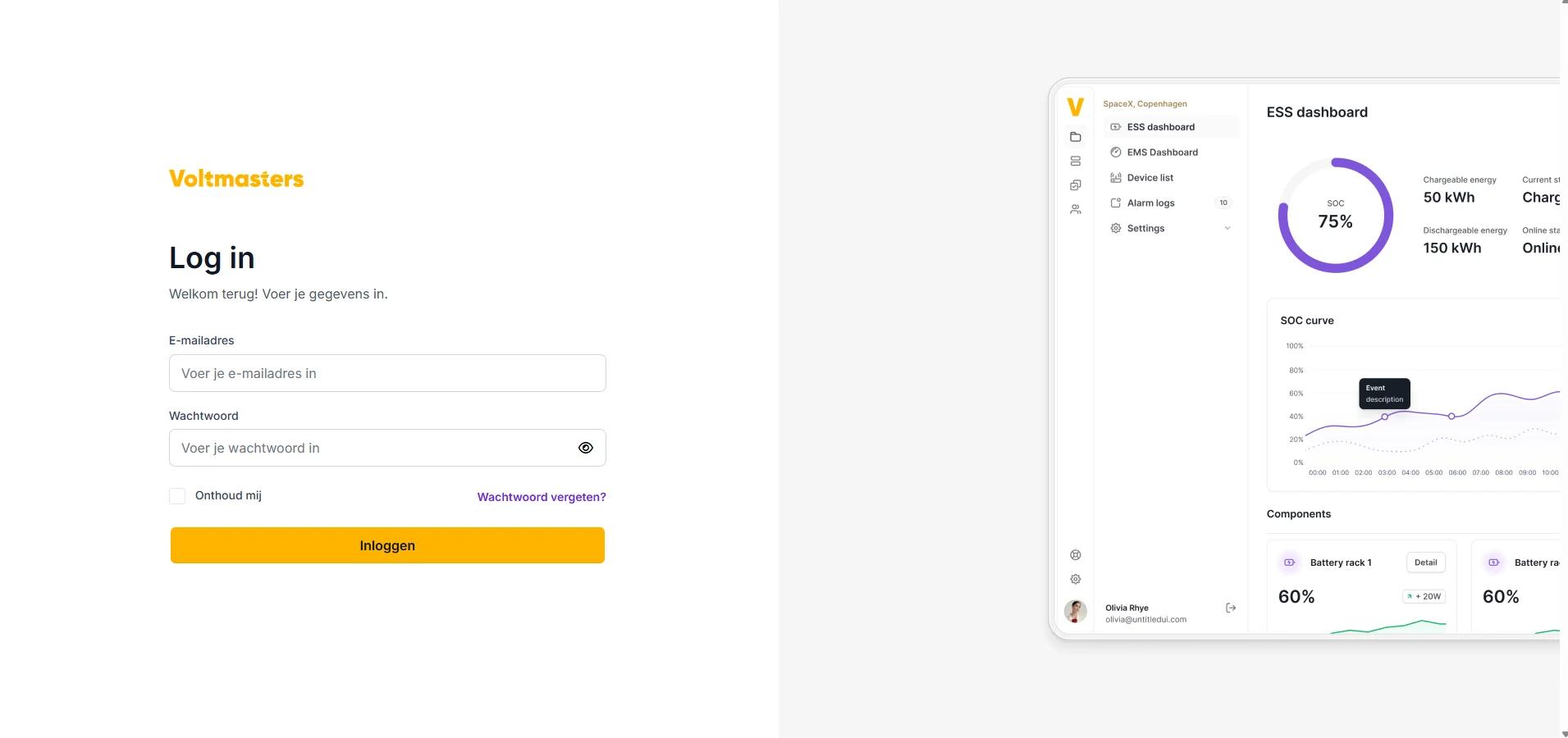
Voltmasters EMS login screen